Cinematic product reveal
Build a measured camera move around a product while keeping the lighting polished.
“Slowly orbit a matte black perfume bottle on a stone pedestal as warm sunset light moves across the glass.”
Try this setupTurn a written scene into a short video with controllable motion, camera direction, timing, and atmosphere.
Your source media stays private and is sent only when you submit.
Write the scene, then choose a supported model, duration, aspect ratio, and resolution.
Add a description of the motion or scene before submitting.
Text to video AI turns a concise written direction into a playable video. Describe what should move, how the camera should travel, and the mood you want.
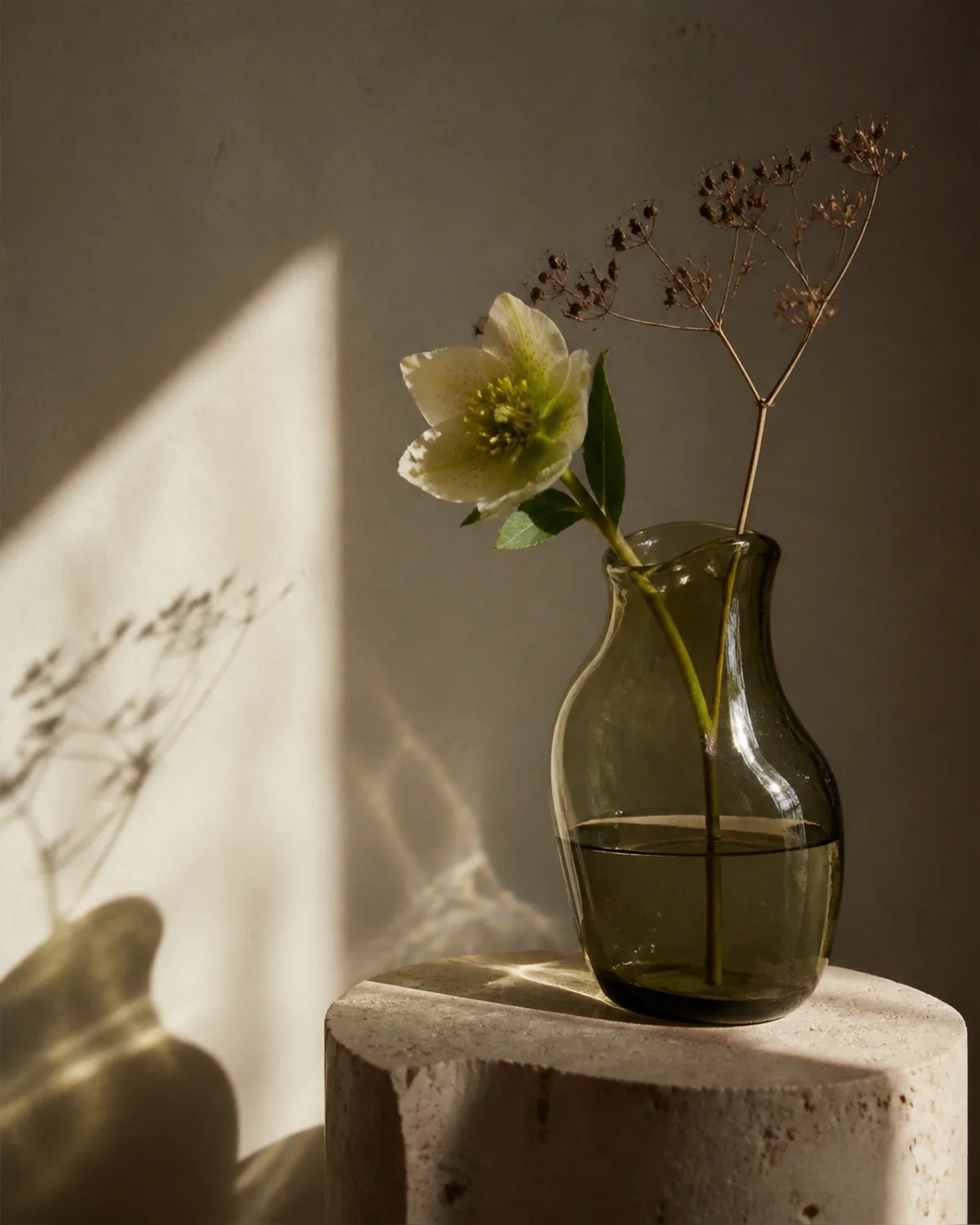
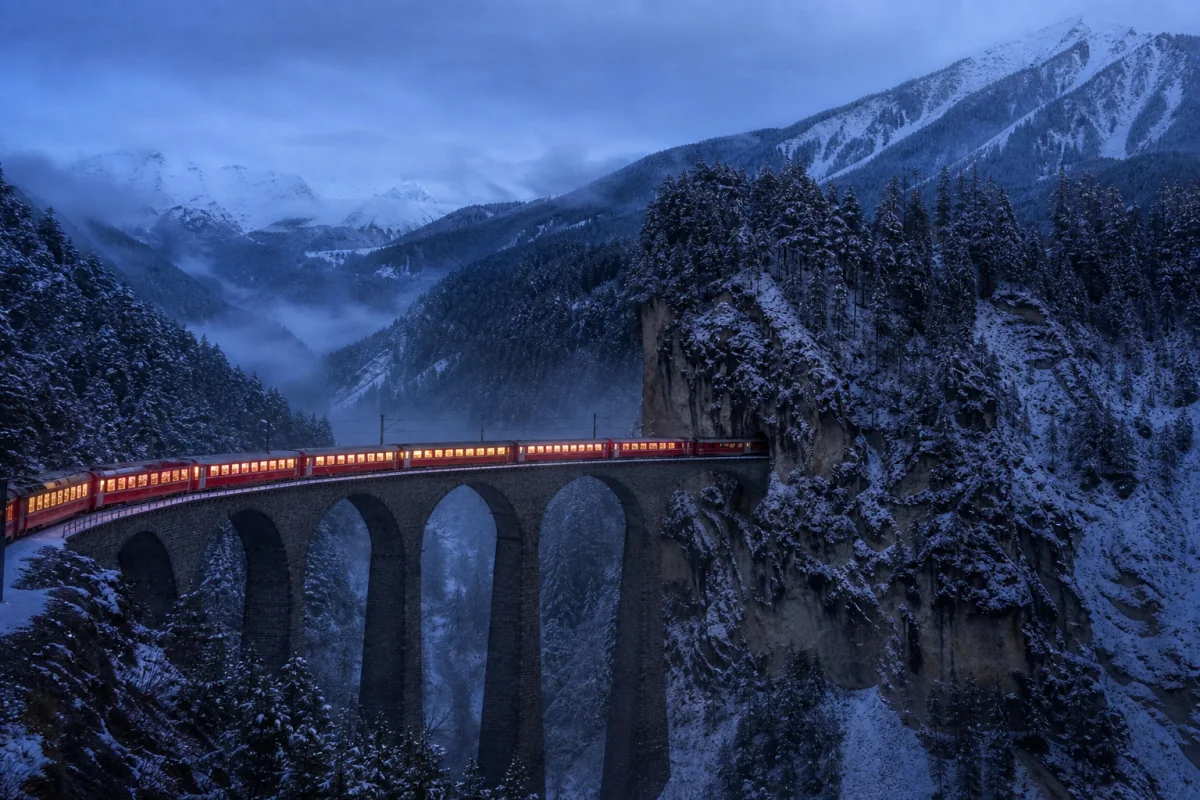
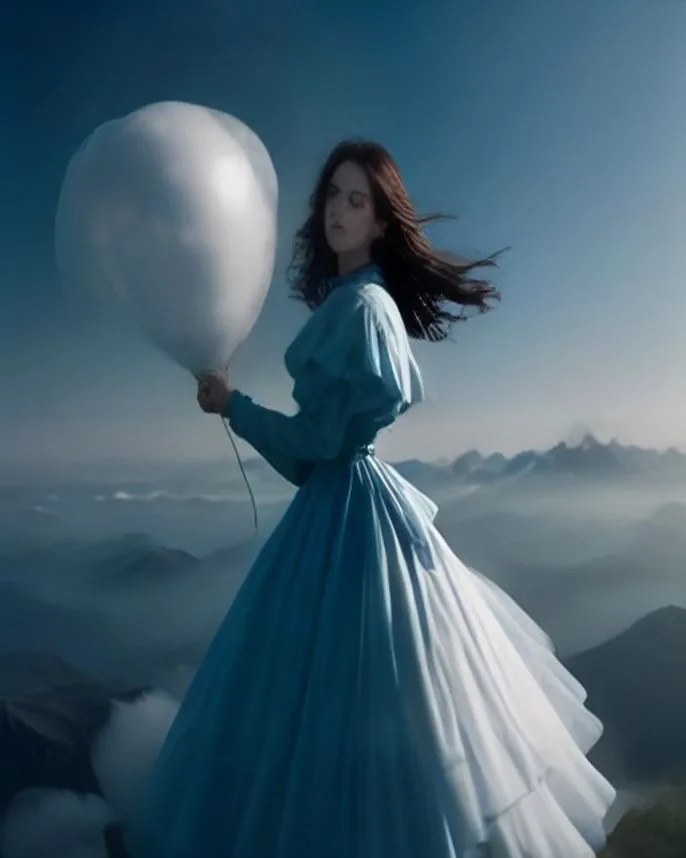
These visual cards illustrate the workflow with concept frames; they are not generated before-and-after results.

Build a measured camera move around a product while keeping the lighting polished.
“Slowly orbit a matte black perfume bottle on a stone pedestal as warm sunset light moves across the glass.”
Try this setup
Create a calm establishing shot with a clear subject action and camera path.
“A wide shot of a foggy mountain lake at dawn; mist drifts over the water while the camera glides forward.”
Try this setup
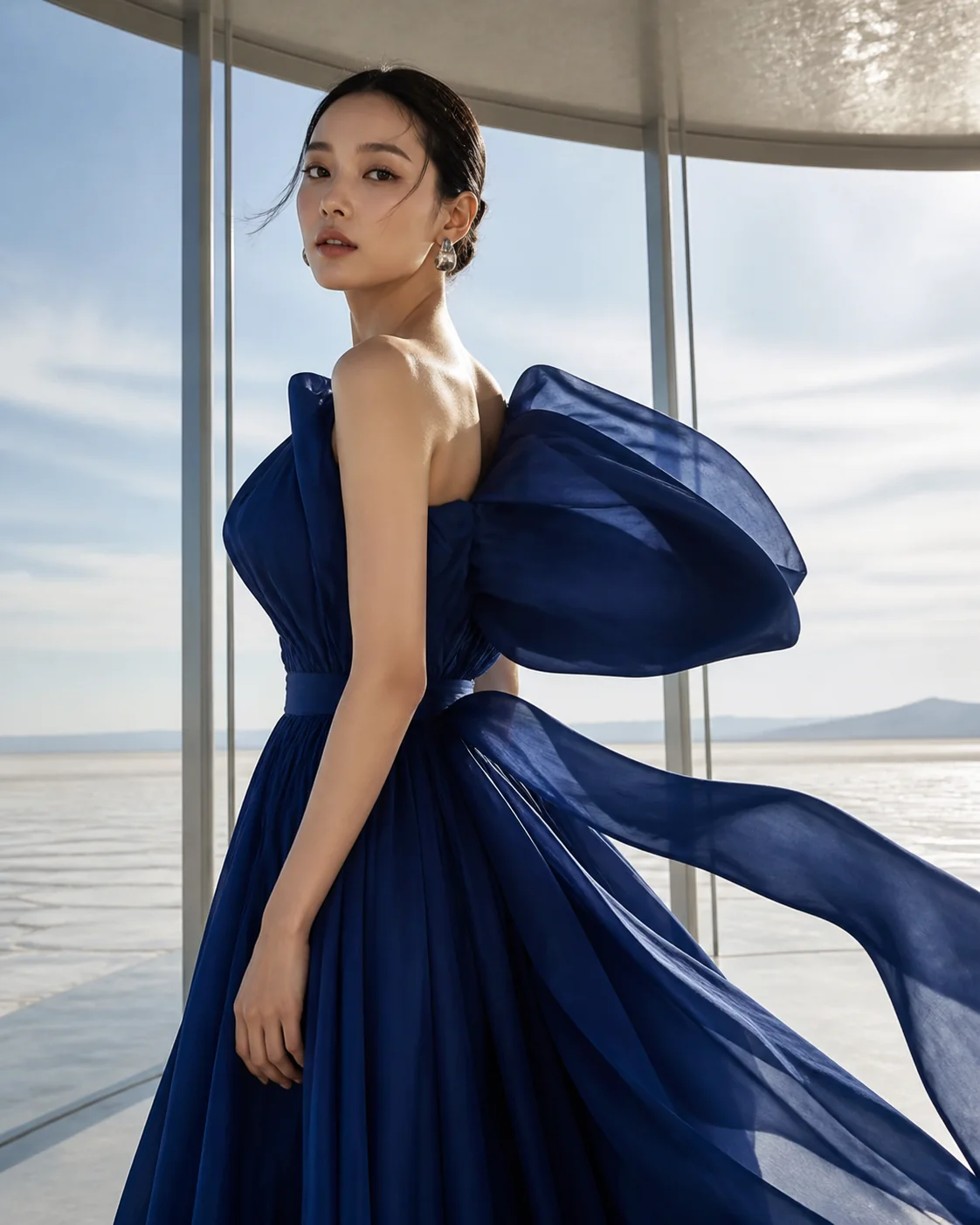
Describe a short performance with timing, gesture, and a restrained camera move.
“A dancer turns beneath a single studio spotlight, fabric following the movement, gentle handheld camera, natural timing.”
Try this setup
Create a close, tactile shot by combining a small action with a deliberate camera move.
“Macro shot of a dew-covered fern unfurling in morning light, tiny droplets falling as the camera slides sideways.”
Try this setupMention the subject, action, camera direction, setting, light, and mood. Short, concrete directions are easier to control.
MiniMax H3 is selected by default. Seedance 2.0, Seedance 2.5, and Gemini Omni Flash 1.1 remain available with their supported settings.
Yes. The shared Create workspace shows a playable result and a Download video action when processing finishes.