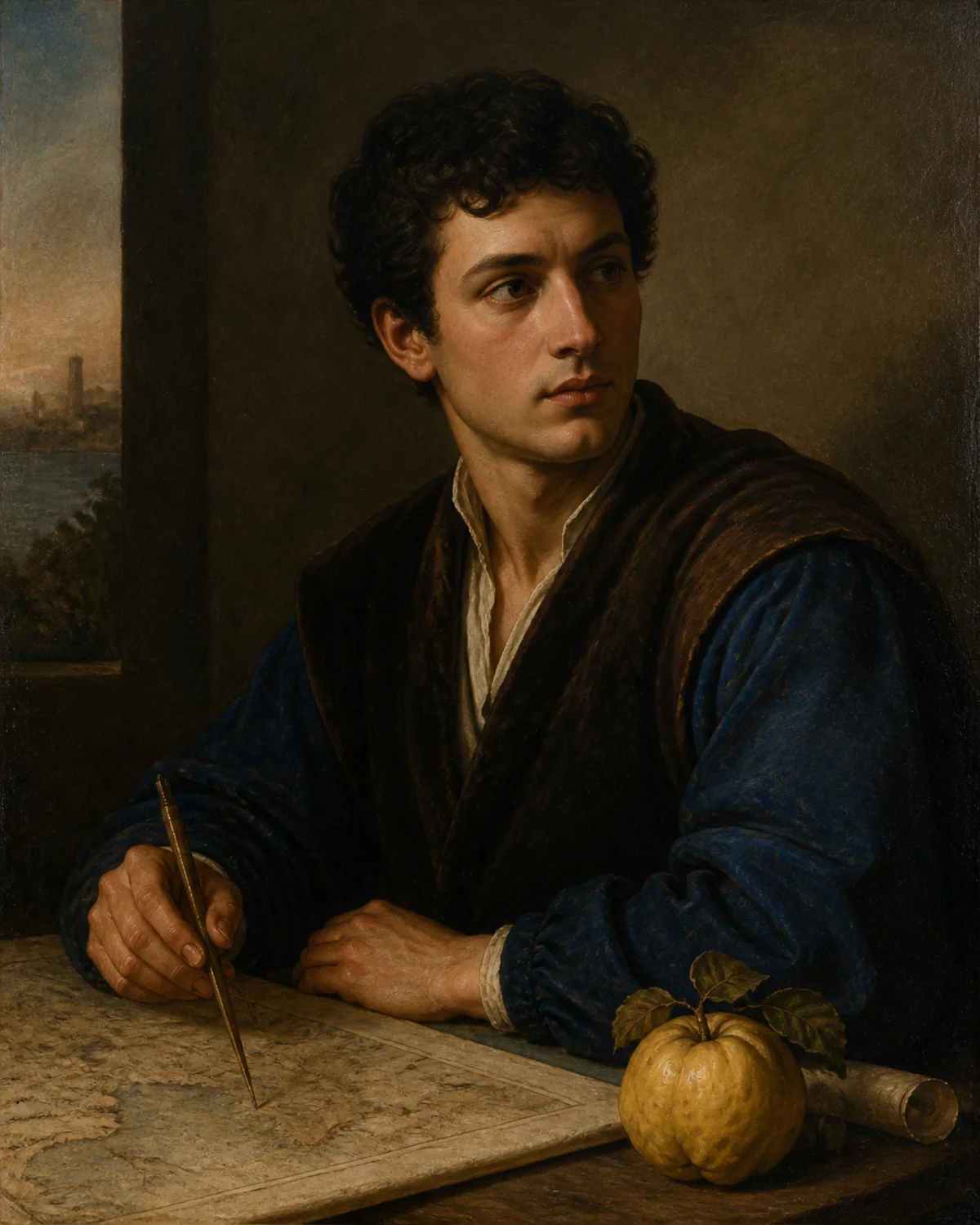
Workflow exampleConcept frame · not a generated result
Portrait performance
Use a clear face reference with a well-lit source performance for a natural identity transfer.
Try this setup NEON Dance
Use a reference face and a source video to create a temporally consistent identity replacement.
Your source media stays private and is sent only when you submit.
Upload one face reference and one 2–15 second source video. The video model keeps the source performance, camera, clothing, and background while changing the identity.
Only upload media you have permission to use. Do not impersonate, deceive, or replace an identity without consent.
Upload all required media before submitting.
AI video face swap uses a reference face image and a source video. The dedicated workflow sends both inputs to the supported Kie reference-video model and keeps the original performance context.
These visual cards illustrate the workflow with concept frames; they are not generated before-and-after results.
Use a clear face reference with a well-lit source performance for a natural identity transfer.
Try this setup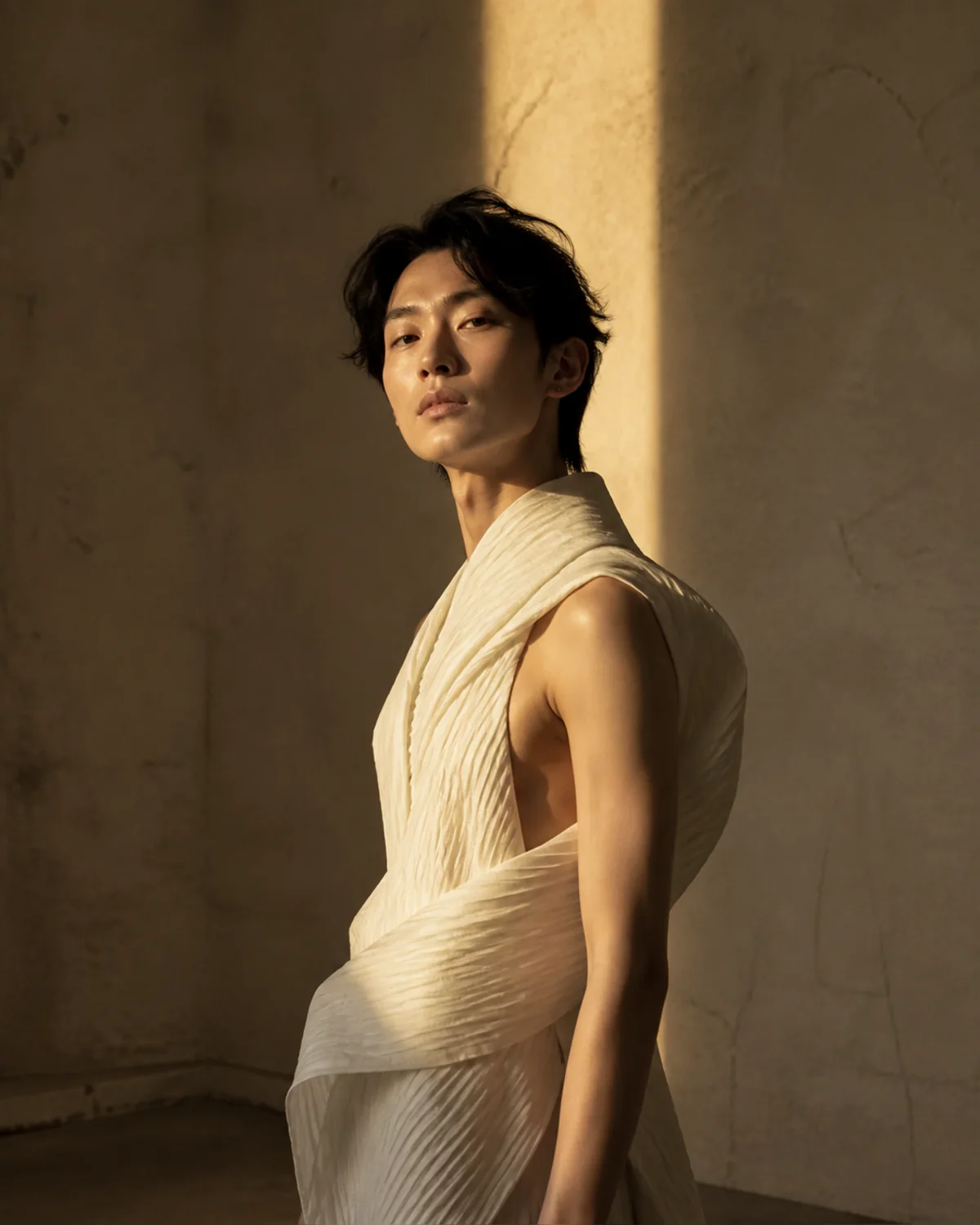
Keep the original delivery and camera timing while applying a permitted reference identity.
Try this setup
Maintain the source clip's scene and wardrobe while changing only the visible identity.
Try this setup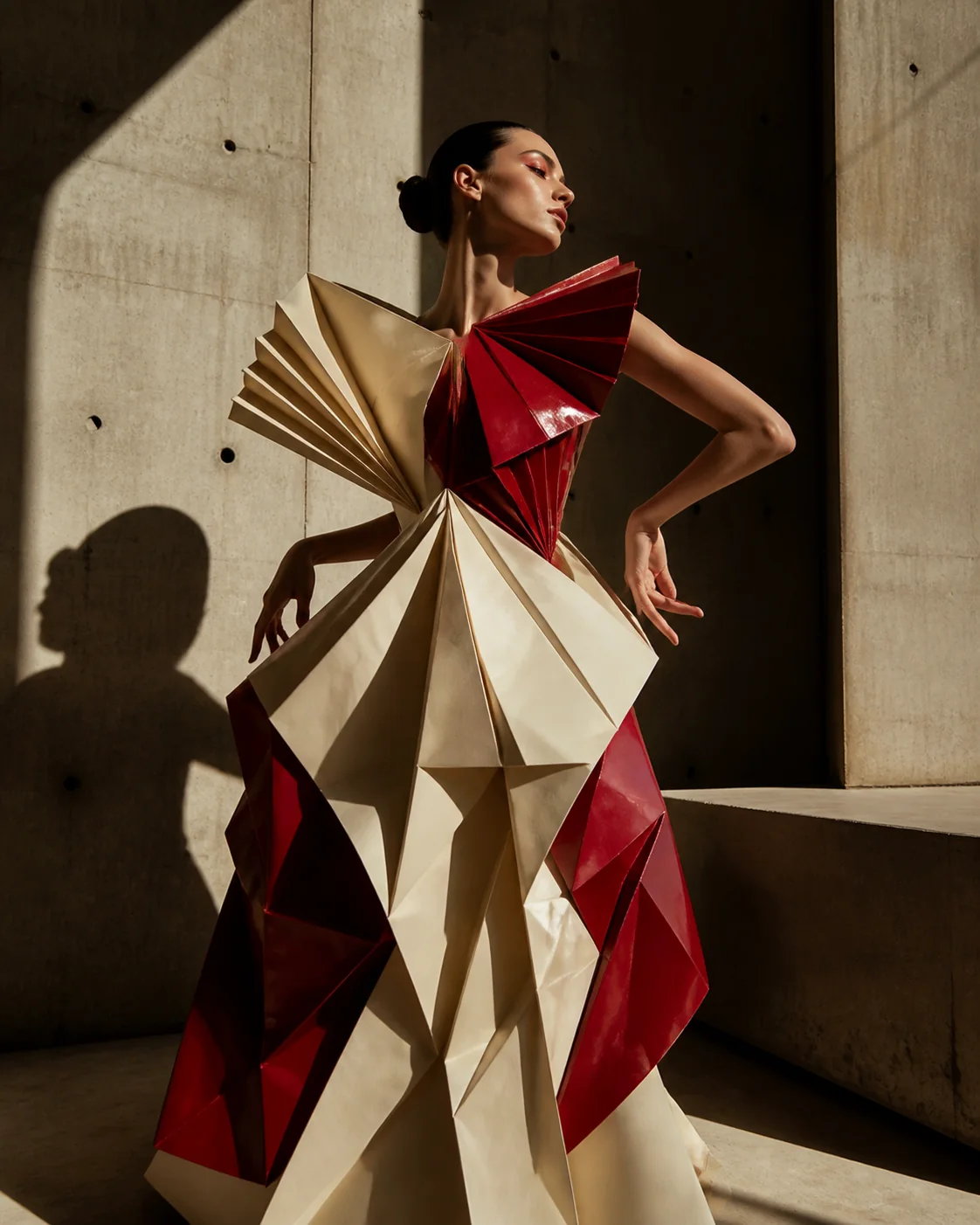
Keep a moving scene consistent while applying a permitted reference identity across the clip.
Try this setupNo. The workflow uses a fixed identity-replacement instruction for this operation; you only provide the reference face, source video, and supported output settings.
Use a clear, front-facing image with one visible face and even lighting. The source video should also keep the face visible for consistent tracking.
MiniMax H3 reference videos must be between 2 and 15 seconds. The original upload stays separate and the completed face-swapped video is returned as a new result.