NEON Dance
Sign In
Dedicated video tool

Image to Video AI

Animate a still image with AI while keeping its subject and visual direction as the starting point for motion.

Pay per taskMiniMax H3 selected by default

Your source media stays private and is sent only when you submit.

Animate a starting image

Upload one image, describe the movement, and choose only the output controls supported by the selected model.

MiniMax H3
Starting image
MiniMax H3
80 credits per task
Sign in to upload media and submit this task. Video tools do not include free runs.

Add a description of the motion or scene before submitting.

Workflow examples

Image to video AI uses one uploaded still as the first frame and turns a motion description into a short video. It is useful for portraits, products, landscapes, and social posts.

These visual cards illustrate the workflow with concept frames; they are not generated before-and-after results.

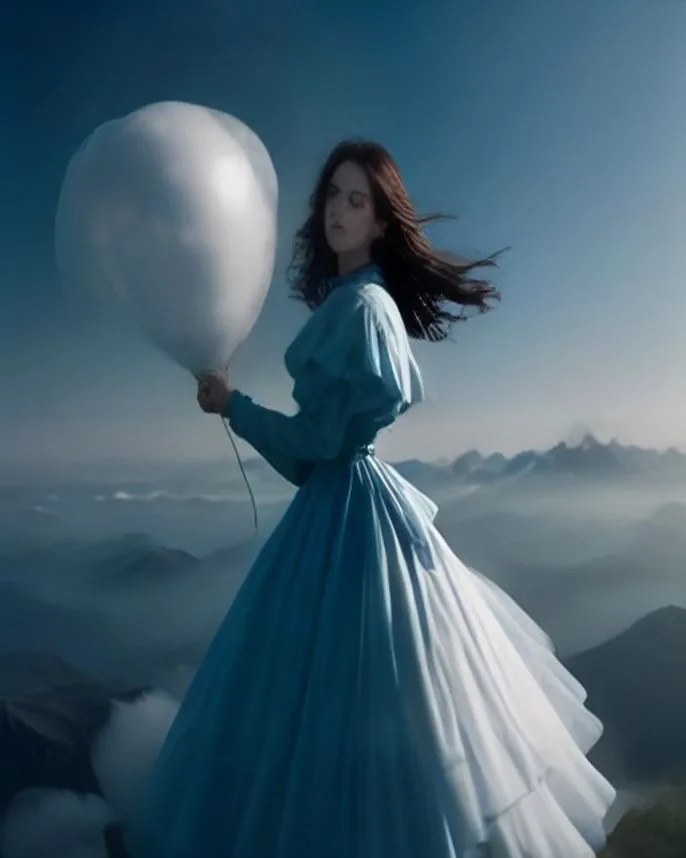
Portrait motion
Workflow exampleConcept frame · not a generated result

Portrait motion

Give a still portrait subtle expression, hair, and camera movement without changing the subject.

“Slow camera push-in, a natural blink and slight smile, loose hair moving in a light breeze, preserve the person and framing.”

Try this setup
Product turntable
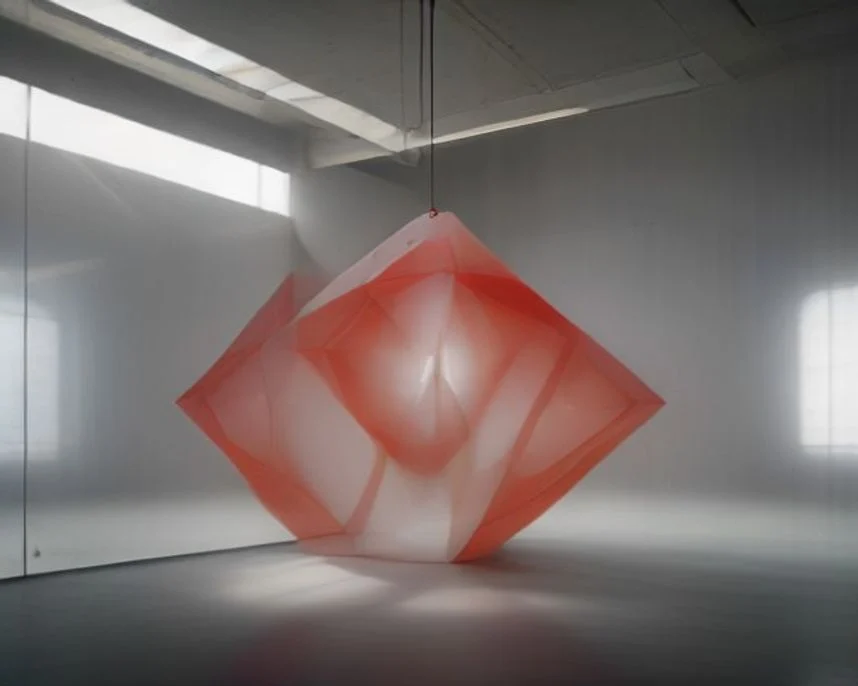
Workflow exampleConcept frame · not a generated result

Product turntable

Turn a product still into a clean, controlled presentation shot.

“Rotate the ceramic vase slowly on its pedestal while highlights travel across the glaze; keep the background still.”

Try this setup
Landscape atmosphere
Workflow exampleConcept frame · not a generated result

Landscape atmosphere

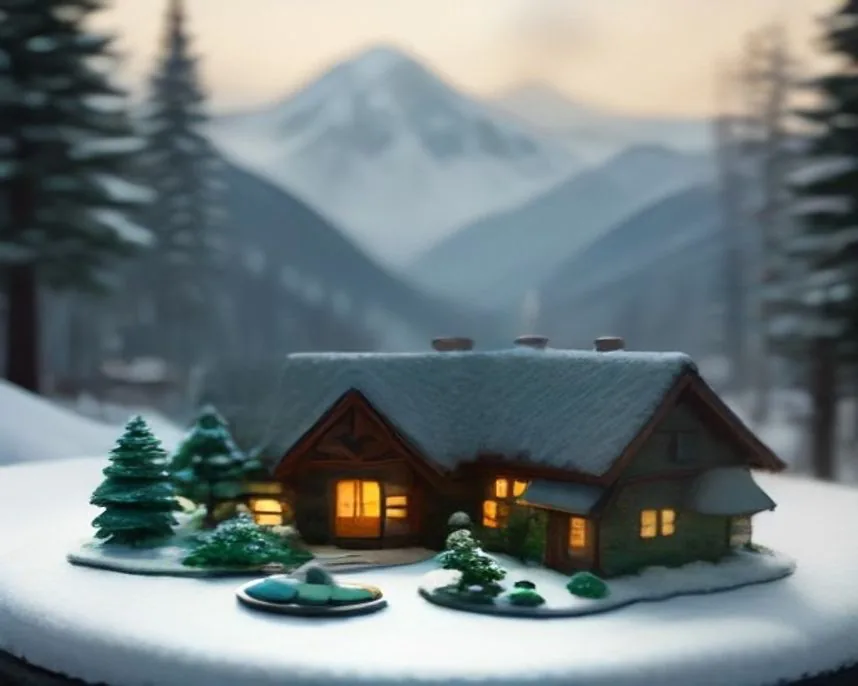
Add depth to a landscape with restrained environmental motion.

“Clouds drift above the valley, grass moves in the foreground, and the camera makes a slow forward glide.”

Try this setup
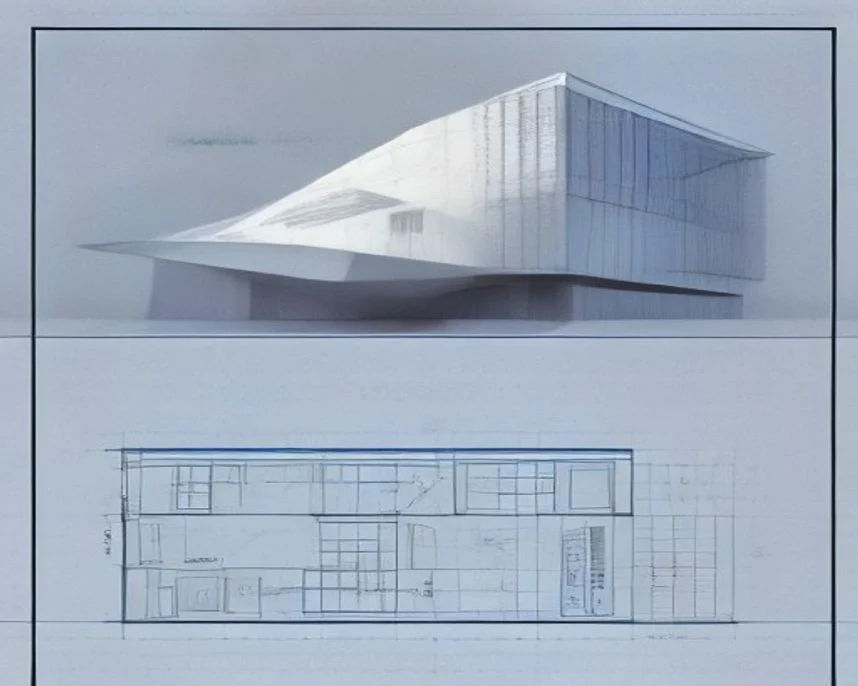
Water and reflection
Workflow exampleConcept frame · not a generated result

Water and reflection

Add restrained ripples and light movement to a still-life or architecture image.

“Small ripples move across the reflecting pool, sunlight shifts on the facade, and the camera drifts gently to the right.”

Try this setup

What you can make

  • Start from one JPG, PNG, or WebP image.
  • Describe camera motion, subject movement, light, and pacing.
  • Keep the original image as your source and download a separate MP4 result.

How it works

  1. 1Upload the starting image.
  2. 2Describe the movement you want to see.
  3. 3Confirm the visible cost, then create and download the video.

Frequently asked questions

Does image-to-video replace my original image?

No. The upload is used as the starting frame and remains separate from the generated video.

Why are some output controls hidden?

Each Kie model exposes different controls. The page only shows the aspect ratios, resolutions, and durations supported by your selected model.

What makes a good starting image?

Use a clear, well-lit image with the subject framed as you want it to appear. Specific motion instructions help preserve that intent.