NEON Dance
Sign In
Dedicated video tool

Mimic Motion AI

Transfer the movement and performance of a source video to the subject in your reference image.

Pay per taskMiniMax H3 selected by default

Your source media stays private and is sent only when you submit.

Transfer motion to your subject

Upload a subject image and a 2–15 second source video, then describe how the transfer should look.

MiniMax H3
Subject image
Motion source video
MiniMax H3
80 credits per task
Sign in to upload media and submit this task. Video tools do not include free runs.

Add a description of the motion or scene before submitting.

Workflow examples

Mimic motion AI combines a subject image with a source video. The motion source supplies performance and timing while your prompt tells the model what to preserve.

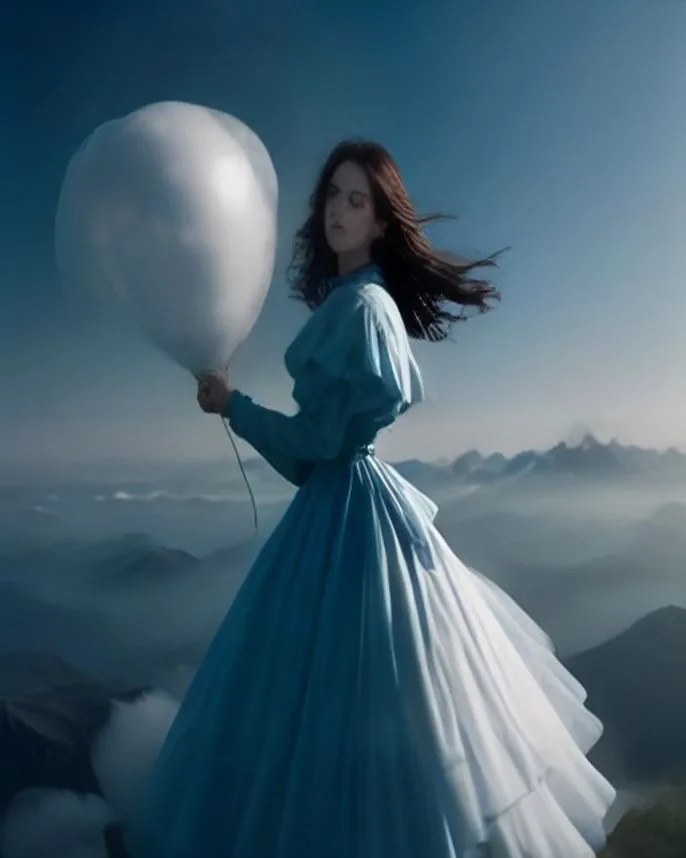
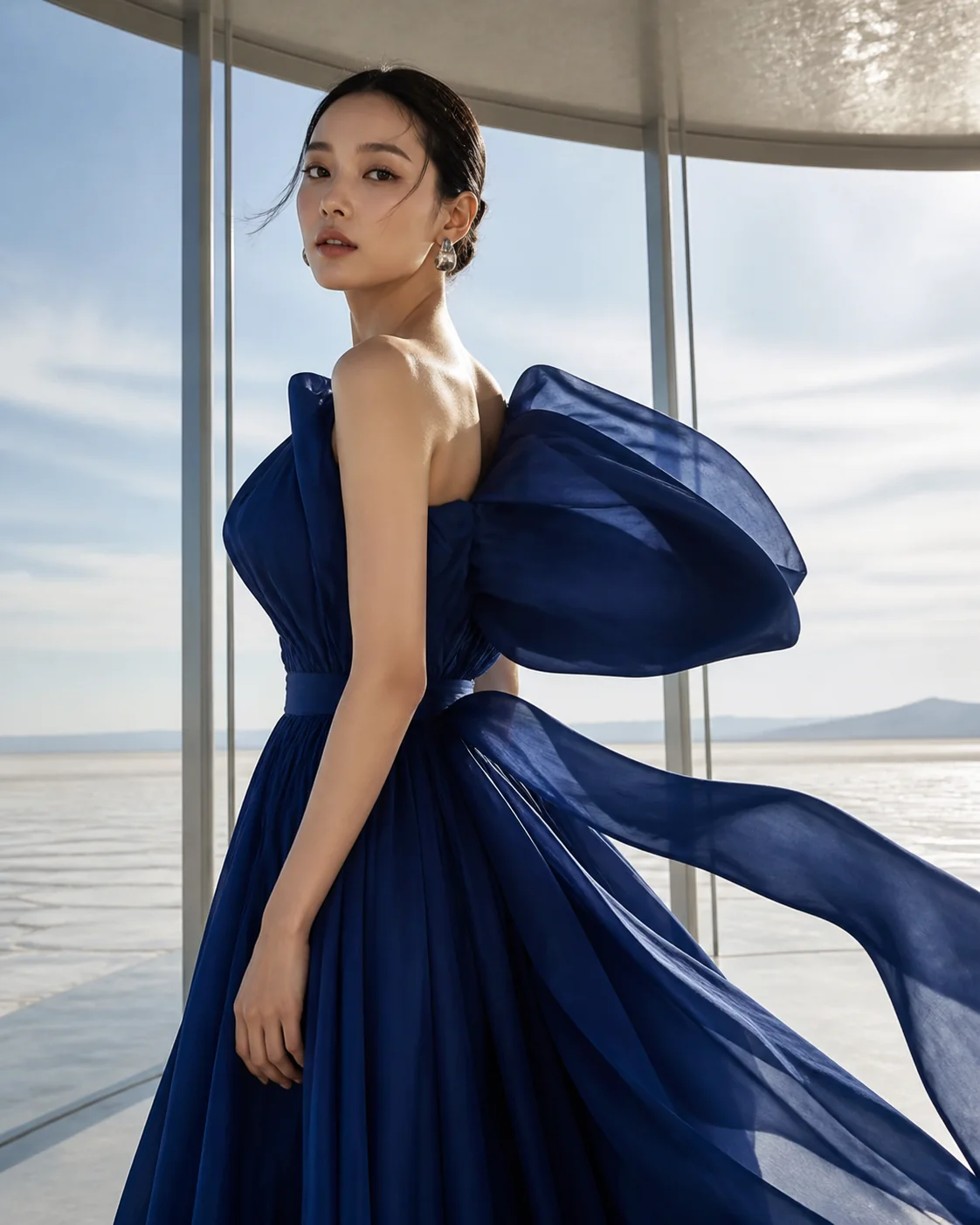
These visual cards illustrate the workflow with concept frames; they are not generated before-and-after results.

Dance performance
Workflow exampleConcept frame · not a generated result

Dance performance

Use a clean subject image and a short dance clip to transfer the performance.

“Transfer the dancer's choreography and timing to the subject image; keep the movement fluid and preserve the source camera rhythm.”

Try this setup
Gesture reference
Workflow exampleConcept frame · not a generated result

Gesture reference

Capture a deliberate gesture or presentation movement from a source clip.

“Transfer the presenter's hand gestures and calm delivery to the subject; preserve the original pacing and framing.”

Try this setup
Sport movement
Workflow exampleConcept frame · not a generated result

Sport movement

Use a short action clip to guide a subject through a clear physical movement.

“Transfer the runner's stride and body timing to the subject, keeping the movement natural and the background stable.”

Try this setup
Martial arts movement
Workflow exampleConcept frame · not a generated result

Martial arts movement

Use a short, clearly framed action reference to transfer a precise physical sequence.

“Transfer the martial artist's controlled sequence and timing to the subject, preserving the source framing and grounded footwork.”

Try this setup

What you can make

  • Transfer movement from a source video to a new subject.
  • Use MiniMax H3, Gemini Omni Flash, or Seedance where their reference-video inputs are supported.
  • See the source duration and rounded credit total before submitting.

How it works

  1. 1Upload the subject image and a source video between 2 and 15 seconds.
  2. 2Describe what the transfer should preserve or change.
  3. 3Confirm the visible cost, then create, preview, and download the result.

Frequently asked questions

How long can the motion source be?

MiniMax H3 reference videos must be between 2 and 15 seconds. The page validates the uploaded duration before the task is sent.

Does the source video need a person?

The workflow is intended for a clear subject performance or movement. A stable camera and unobstructed action generally give the model more usable motion cues.

Can I keep the source camera movement?

Describe the camera behavior in your prompt. The source video and that instruction are processed together.