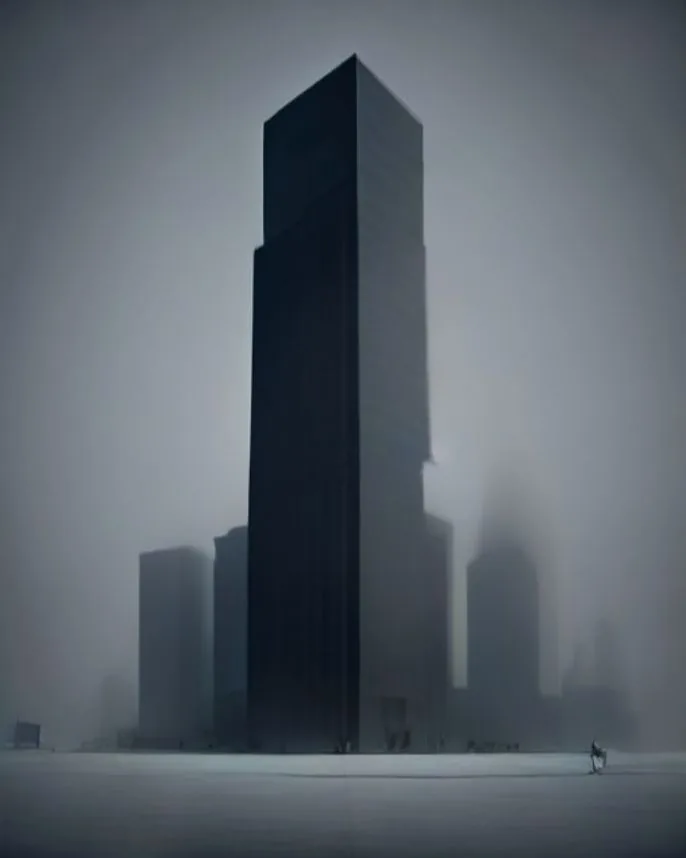
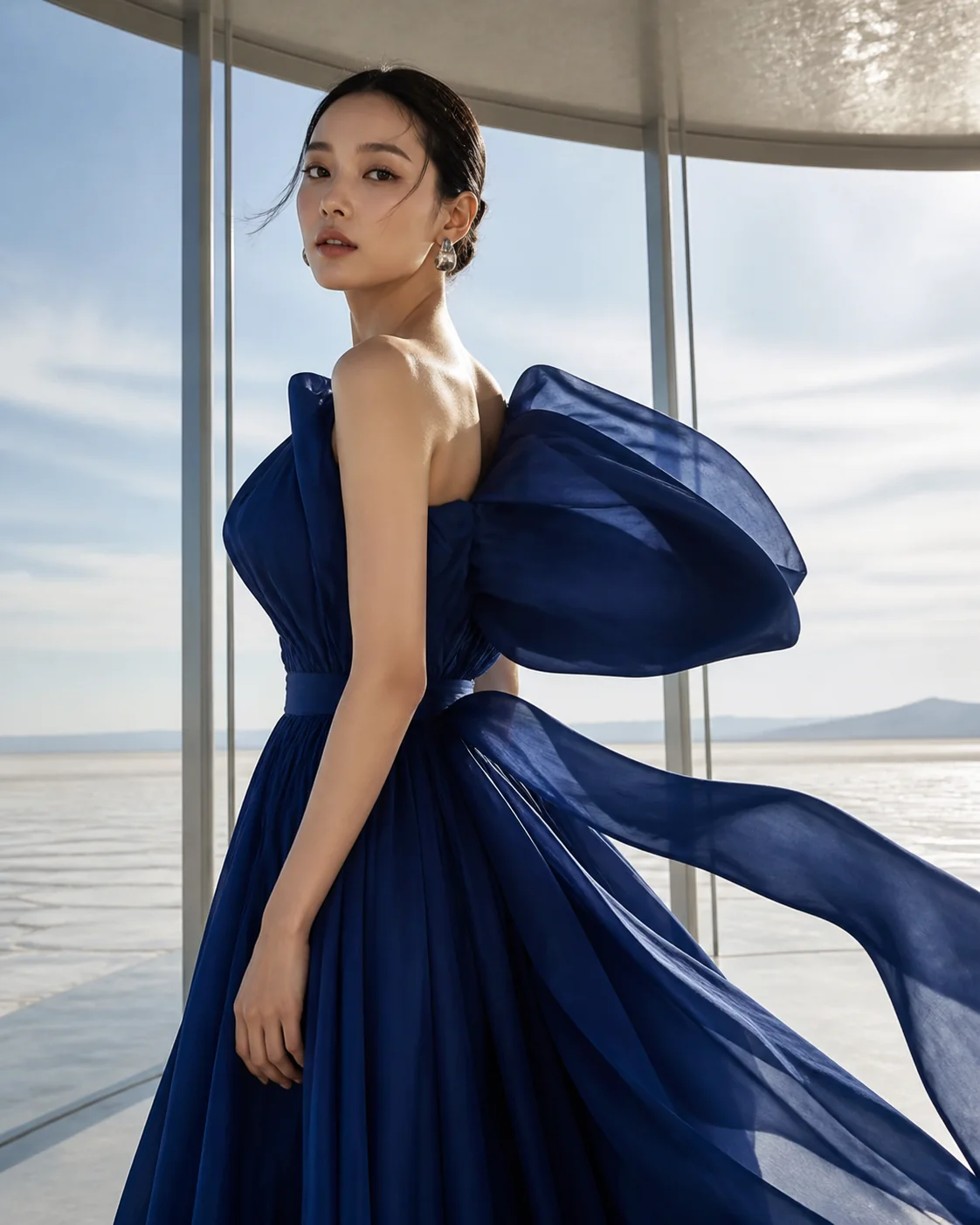
Subject plus setting
Use one image for the subject and another to guide the environment and composition.
“Keep the subject from reference one and use reference two for the setting; a slow dolly through warm afternoon light.”
Try this setupCombine two reference images with a motion prompt to guide the look, subject, and visual direction of a new video.
Your source media stays private and is sent only when you submit.
Upload two images in order, explain the desired motion, and choose a model with its supported output settings.
Add a description of the motion or scene before submitting.
Reference to video AI lets two images carry visual context that a prompt alone cannot. Add a subject reference, a second composition or style reference, and a clear motion direction.
These visual cards illustrate the workflow with concept frames; they are not generated before-and-after results.

Use one image for the subject and another to guide the environment and composition.
“Keep the subject from reference one and use reference two for the setting; a slow dolly through warm afternoon light.”
Try this setup
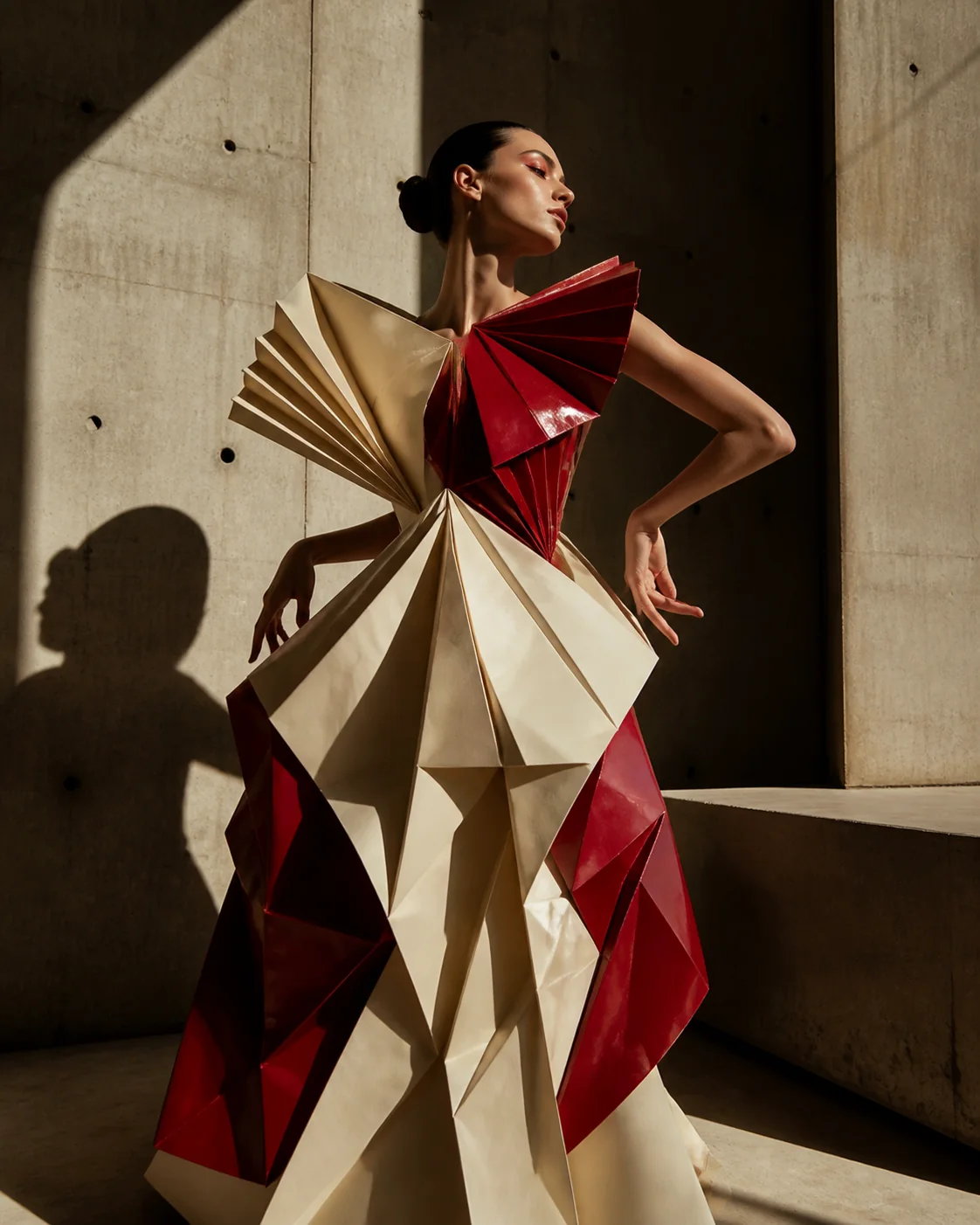
Carry a subject into a carefully directed editorial look with references doing the visual heavy lifting.
“Preserve the model from reference one and the editorial palette from reference two; camera pans as the coat moves in the wind.”
Try this setup
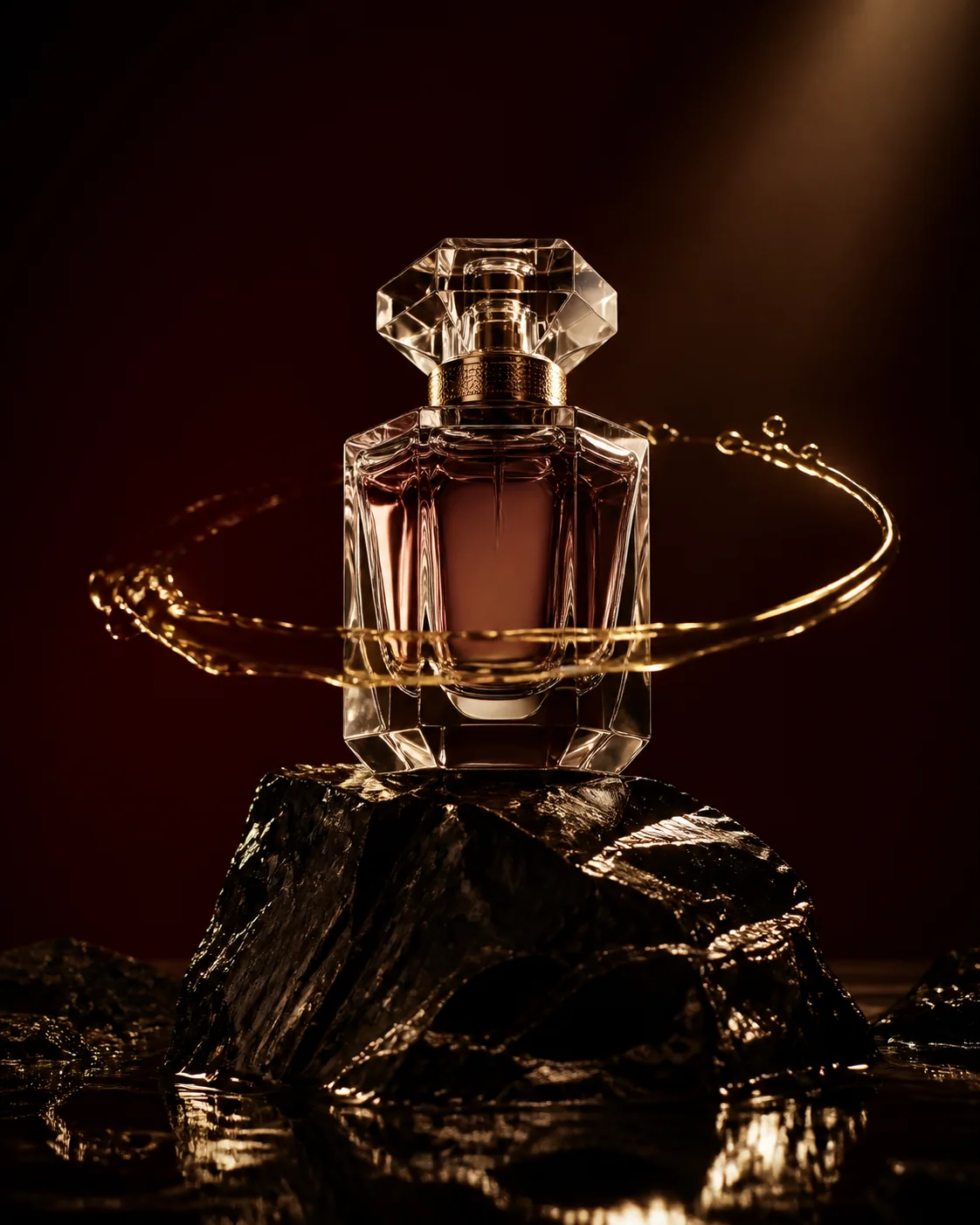
Guide a product or prop with a second reference for texture, color, or scene language.
“Use the object identity from reference one and the chrome studio lighting from reference two; rotate slowly with crisp reflections.”
Try this setup
Pair a building reference with a second atmosphere reference for a guided establishing move.
“Keep the building silhouette from reference one and the evening sky from reference two; make a slow forward fly-through with warm windows.”
Try this setupYes. The first upload is sent as reference image one and the second as reference image two, so keep the intended order.
Yes when the selected model exposes them. The control list updates to the exact options supported by that model.
State which reference controls the subject, which controls the look, and describe the action or camera movement you want.