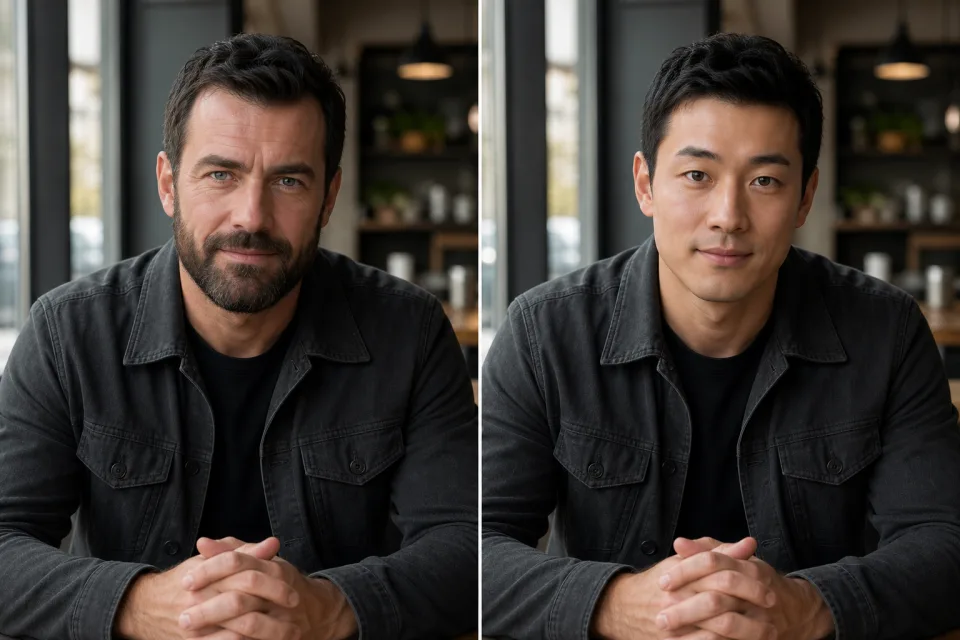
BeforeAfter
Portrait identity swap
Apply a source identity while preserving the target portrait's pose, wardrobe, and studio light.
“Blend the source face naturally and keep the target pose, expression, and soft window light.”
Try This Edit NEON Dance
Use this supporting image tool to swap a face in a photo. Upload a source face and target photo, preserve the target scene, and review the result side by side.
Add a source face and a target photo. The target pose, lighting, clothing, and background stay in control of the composition.
Use a clear, front-facing portrait with one visible face. · Choose the photo whose pose, scene, and framing you want to keep.
A source identity and a target composition work together to create a more controlled face-swap result.
Apply a source identity while preserving the target portrait's pose, wardrobe, and studio light.
“Blend the source face naturally and keep the target pose, expression, and soft window light.”
Try This Edit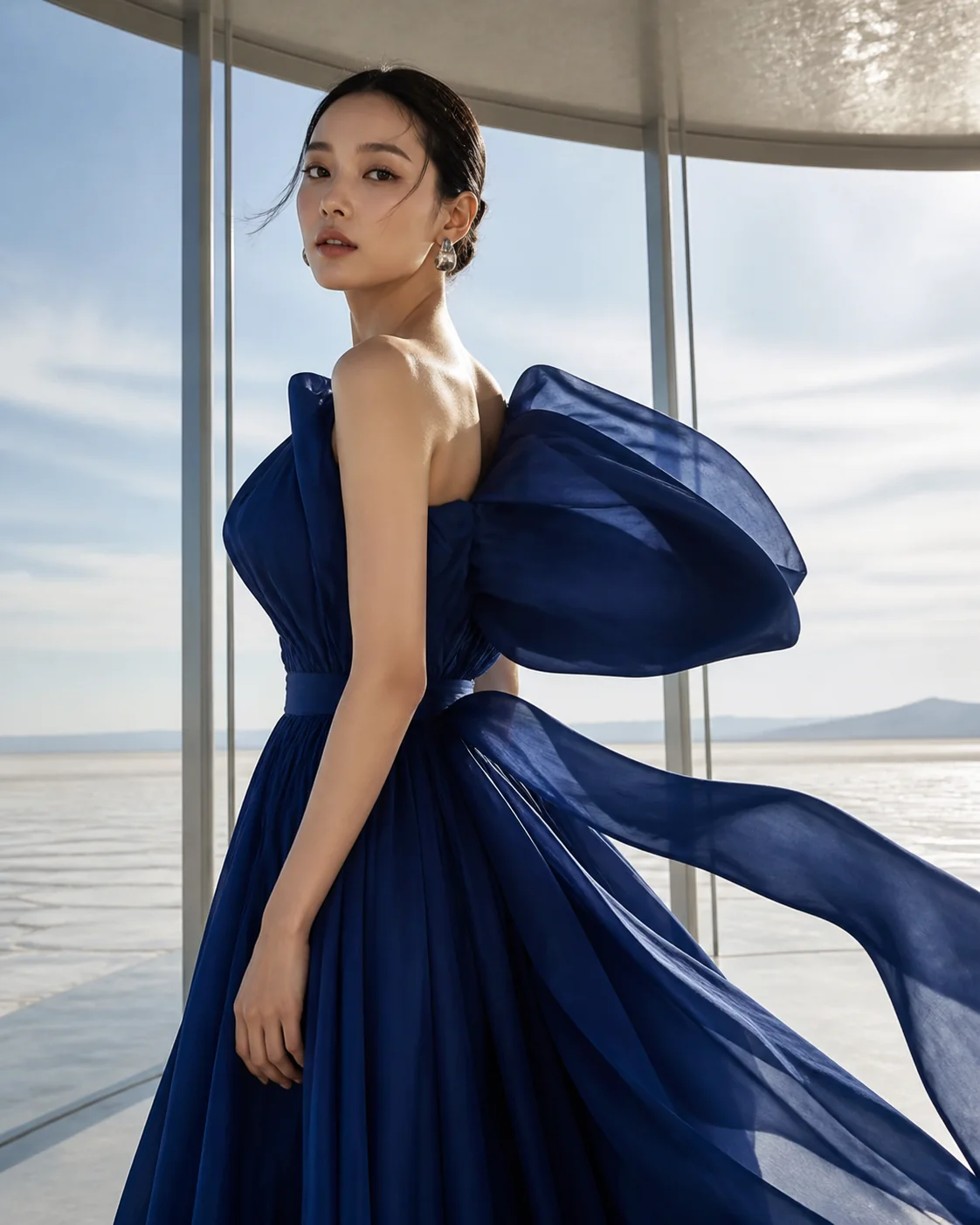 Reference
Explore a different identity in the same editorial frame without rebuilding the scene.
“Use the source identity in the target editorial portrait; preserve the crop and background.”
Try This Edit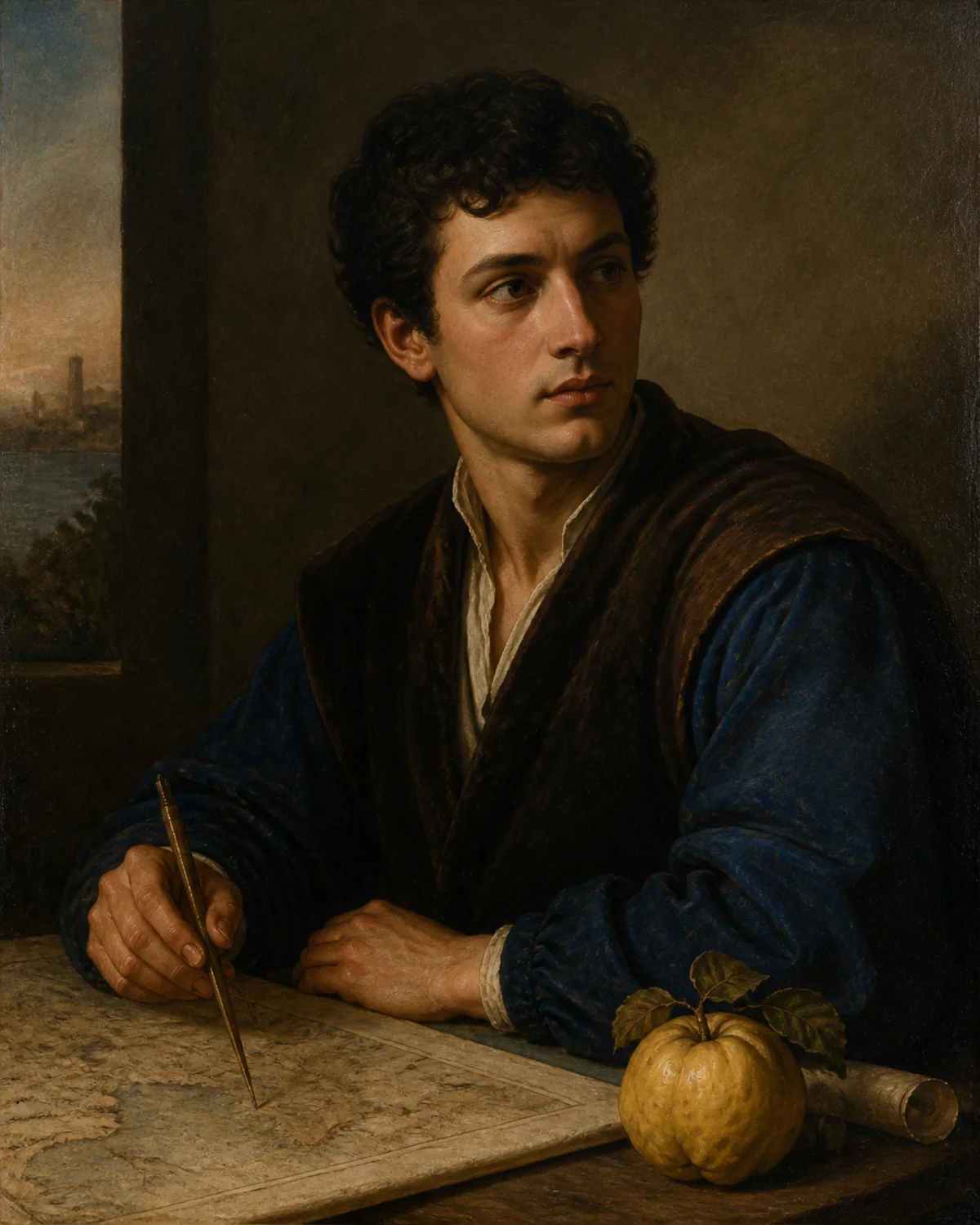 Reference
Test a fictional character direction while keeping a target image's composition consistent.
“Create a realistic face swap, matching the target skin tone, shadows, and camera angle.”
Try This Edit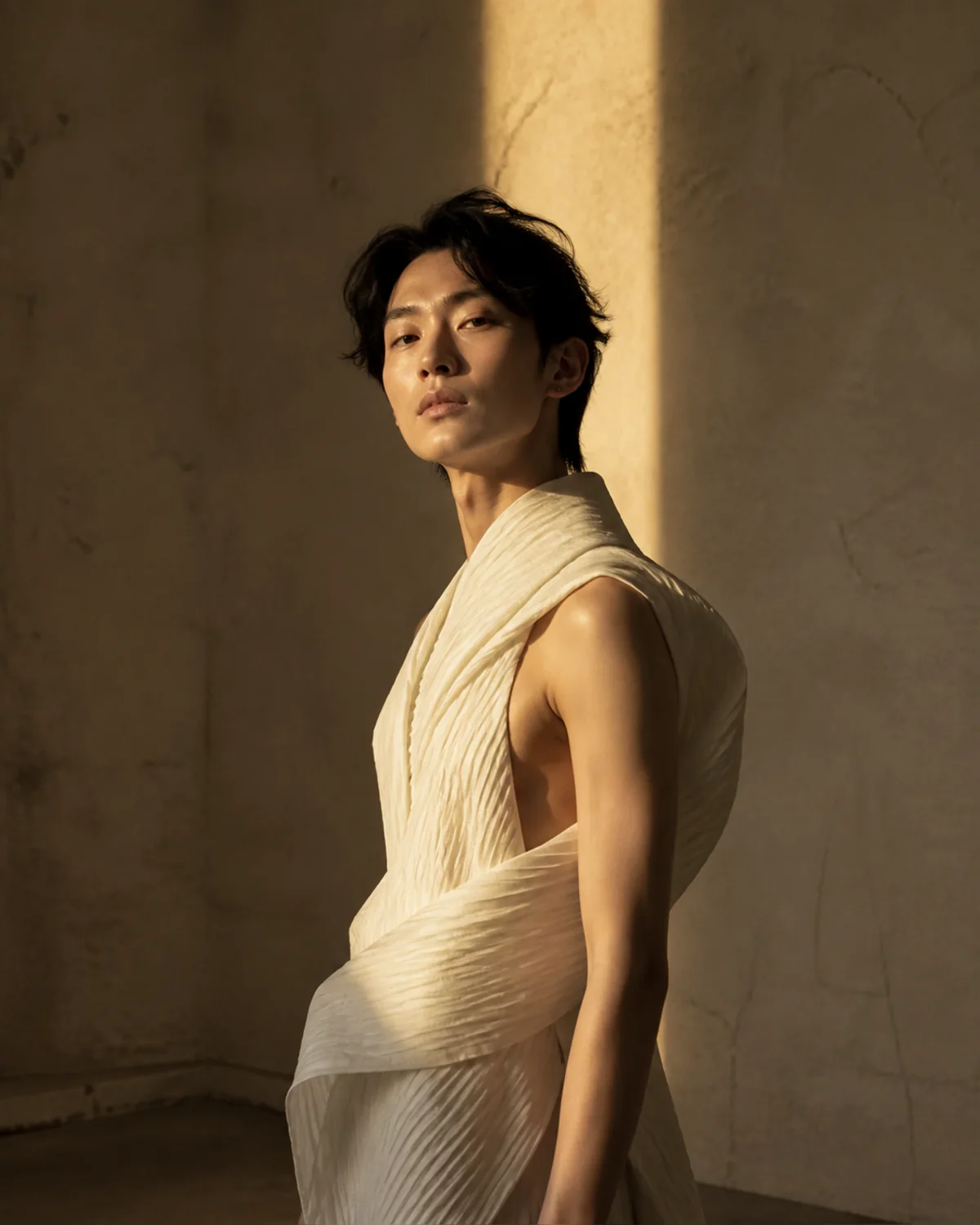 Reference
Use a warm portrait composition to explore a different source identity while retaining the target framing.
“Apply the source identity to the target portrait; match the warm side light, head angle, and neutral expression.”
Try This Edit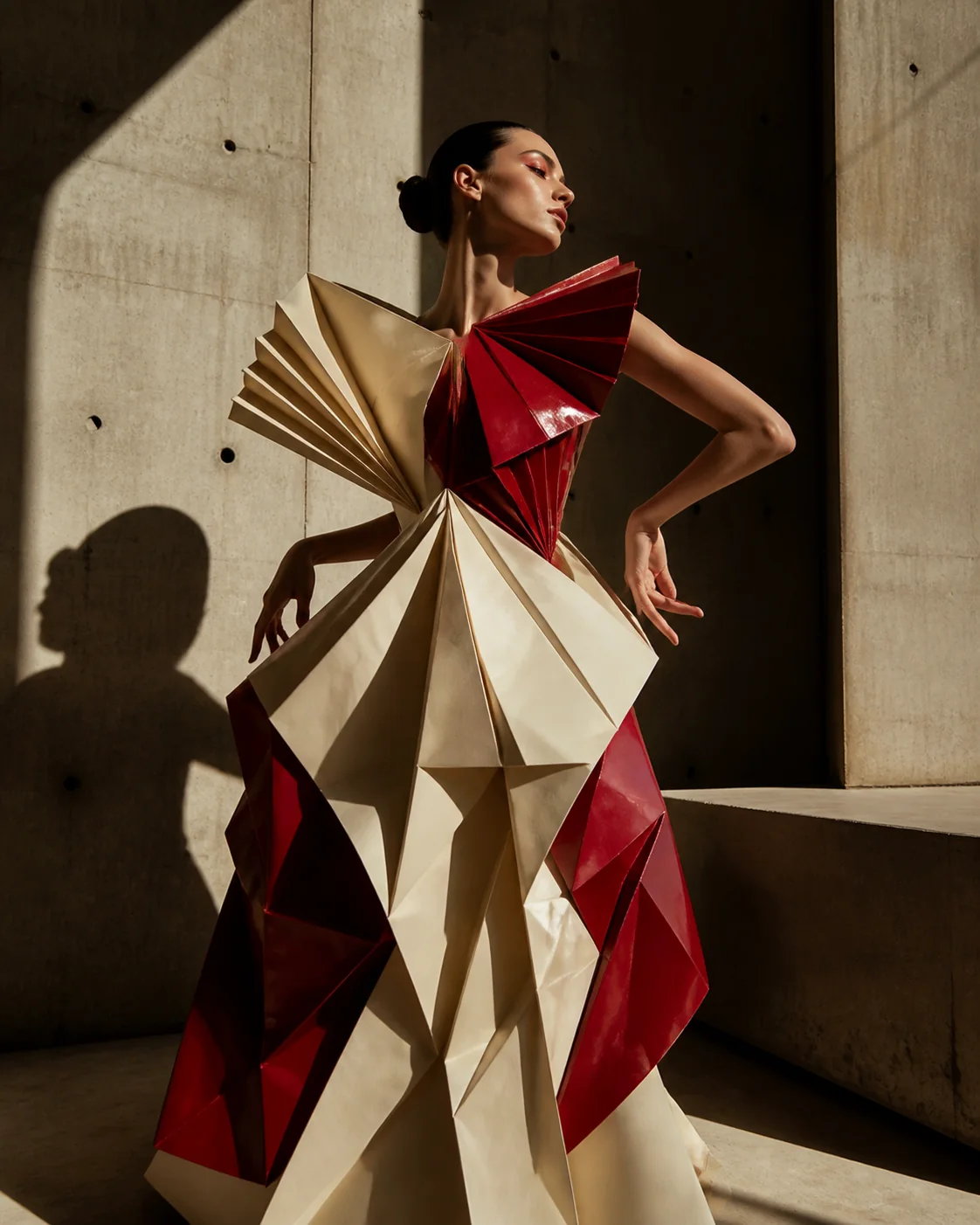 Reference
Try an identity variation in a structured fashion composition while keeping the pose and wardrobe intact.
“Blend the source face into the target fashion portrait; preserve the profile, dramatic light, sculptural wardrobe, and crop.”
Try This EditChoose a clear face image with enough detail for the model to identify the source features.
The second image supplies the pose, scene, framing, and lighting for the composite.
Compare the target and result, download it, or edit again with a more specific instruction.
Upload the identity you want to apply as Source face, then upload the scene you want to preserve as Target photo.
The prompt explicitly prioritizes the target pose, expression, lighting, clothing, and background, although results can vary by input quality.
Only upload images you own or have permission to edit, and use face swaps responsibly and transparently.